29/03/2026 :: Y Axis Work 2/2

Glue worked great! Definitely not coming apart anytime soon.
I then screwed the linear bearings back on and the top plate to seal the top off.
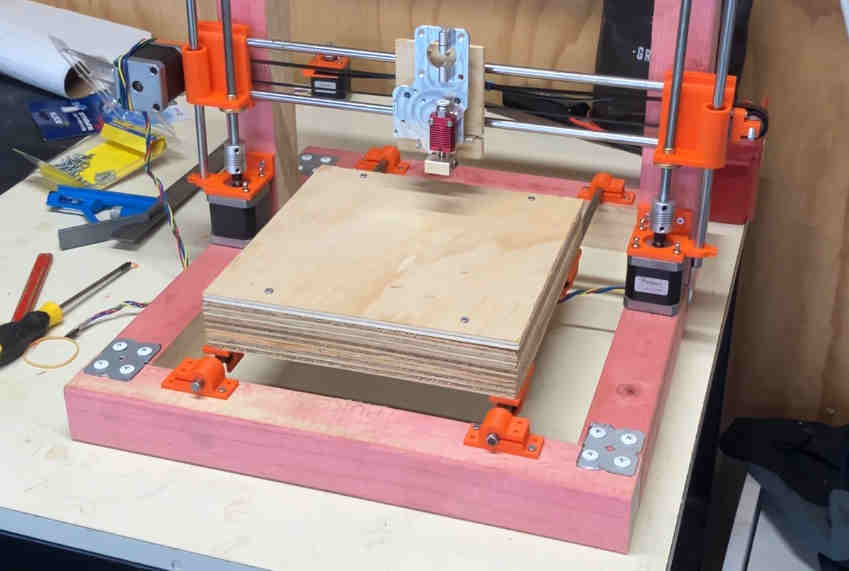
This ones slides even better than the last! Haven't even finished the printer and I'm already making improvements. :D
Next I attached the heatbed and the the the M5 screws at the bottom for the drive belt.
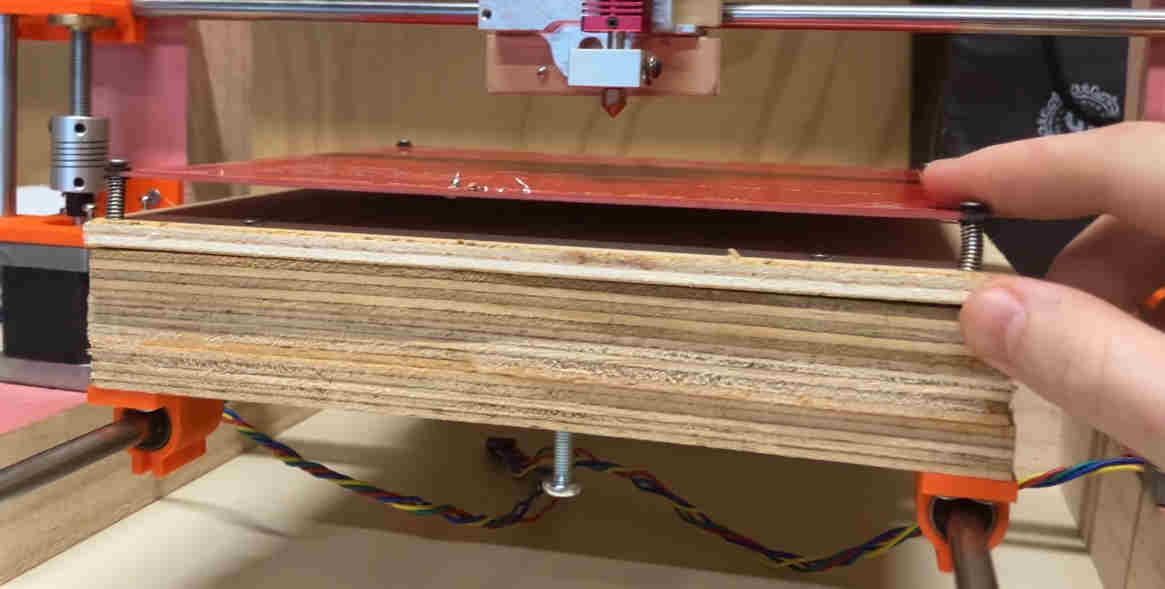
After screwing on the Y stepper + idler and hooking the whole thing up with the drive belt I tried getting it to move.
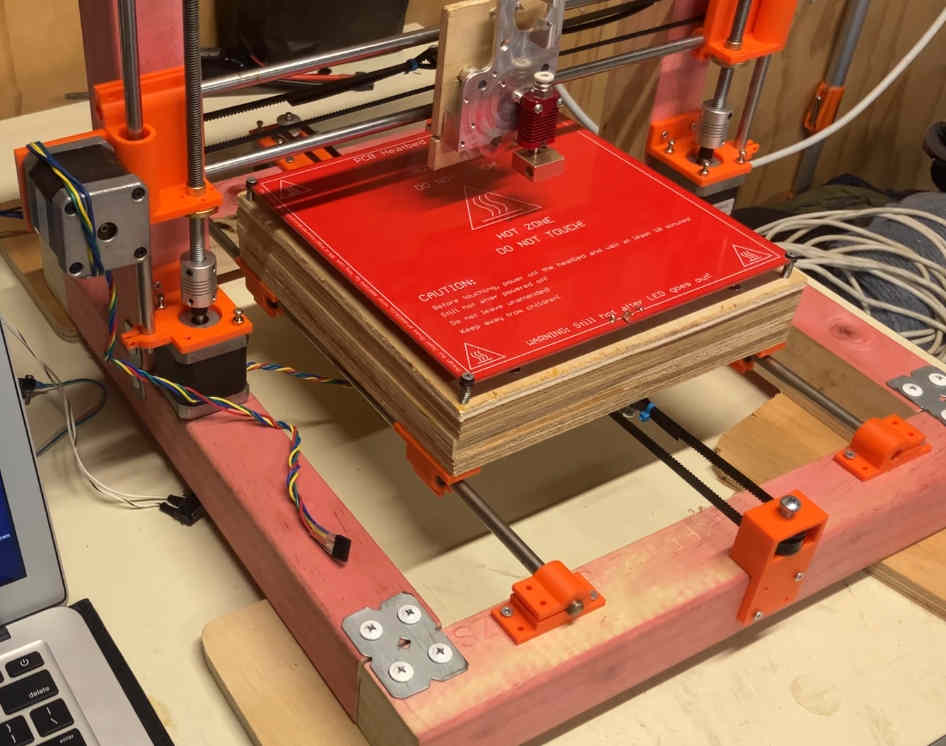
It... didn't work well.
Just like the Z axis, this one also seized way too often. Again the steppers are severely under-powered. This was blocking any further progress on the printer so it had to be the next thing to fix.
Looking into why the current was so low coming from the drivers, first I checked the trimpot voltages for all of them. Up until this point, I couldn't get SPI set up so they've been running in standalone mode.
The voltages seemed to cap out far below what was needed to set the 2A max for each driver, so I decided to try getting SPI set up again since that would overall be better in the long run anyway, and the trimpots wouldn't matter.
After a couple hours of trying to get SPI set up, checking and re-checking all the connectors, flashing and re-flashing firmware multiple times, somewhere along the line I must've screwed up REALLY BAD because the board no longer turns on...
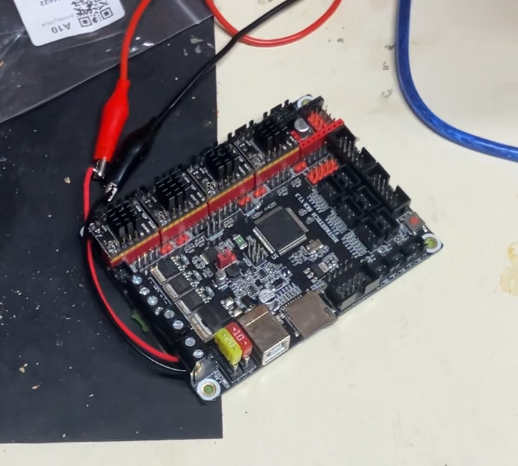
That put a quick stop to my debugging endeavours... I'll have to get a new board now, trying to find the fault on this one let alone fixing it is a whole project in itself. I'll leave for another day.
For now though, I ordered a BigTreeTech SKR v1.4 with some TMC2209 drivers. I want to try UART this time around. Hopefully the setup this time around will be quicker and simpler (fingers crossed).