21/03/2026 :: Z & X Axis Setup

More parts! Got the PSU and lead screw couplings in.
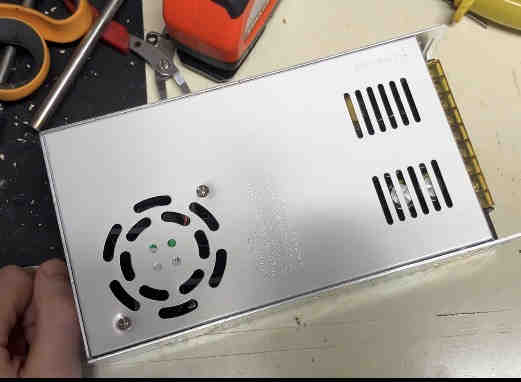
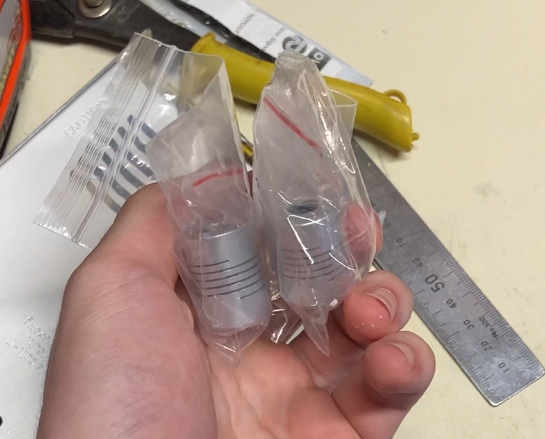
Big problem though which I didn't notice... the power supply may be rated for 400W, but it was at 48V! Totally unusable for my setup. I'll have to get a new one (and absolutely make sure that it's at 12V).
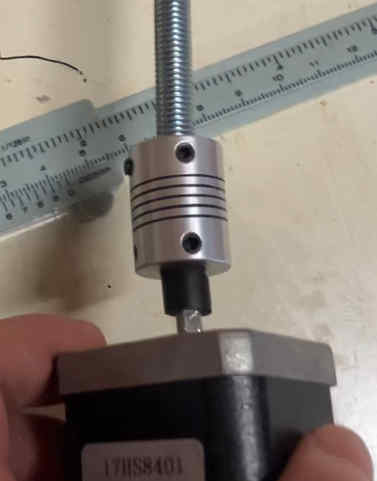
While I wait on that though, there's still plenty to do. I started with coupling the lead screws to the steppers.
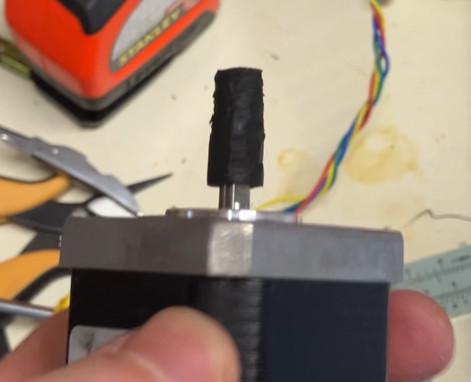
The couplings fit perfectly to the lead screws (at least I got that right), but the rubber stops on the steppers are a little too wide. Quickest solution was to simply shave the ends down to size, so that's what I did!
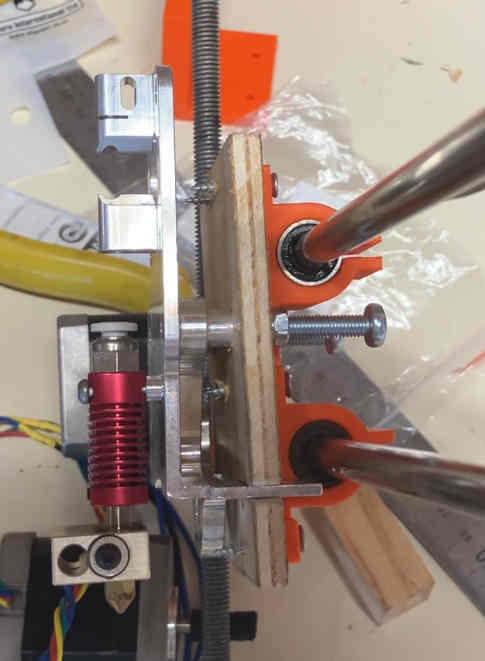
Next I wanted to get the machined hotend bracket attached to the X axis linear bearings.
For that I cut a wooden plate into which the hotend bracket would press fit, and on the other side I'd be able to screw in the linear bearing mounts, as well as some m6 bolts to wrap the timing belt around.
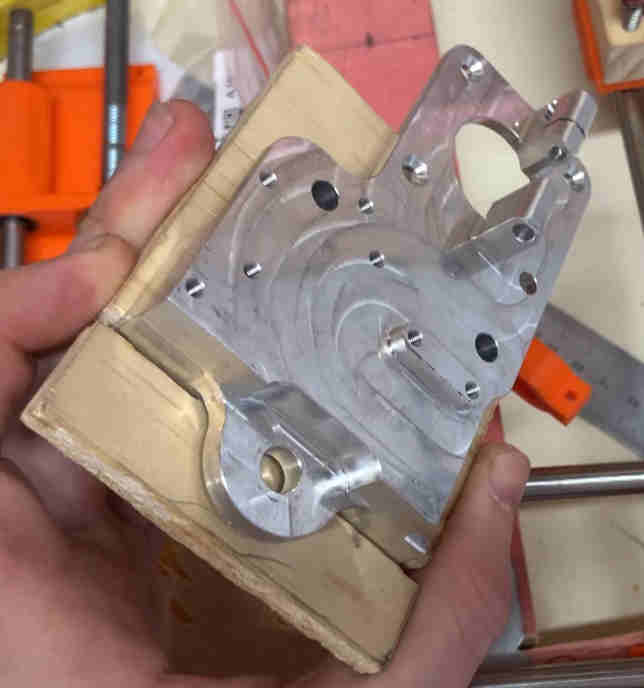
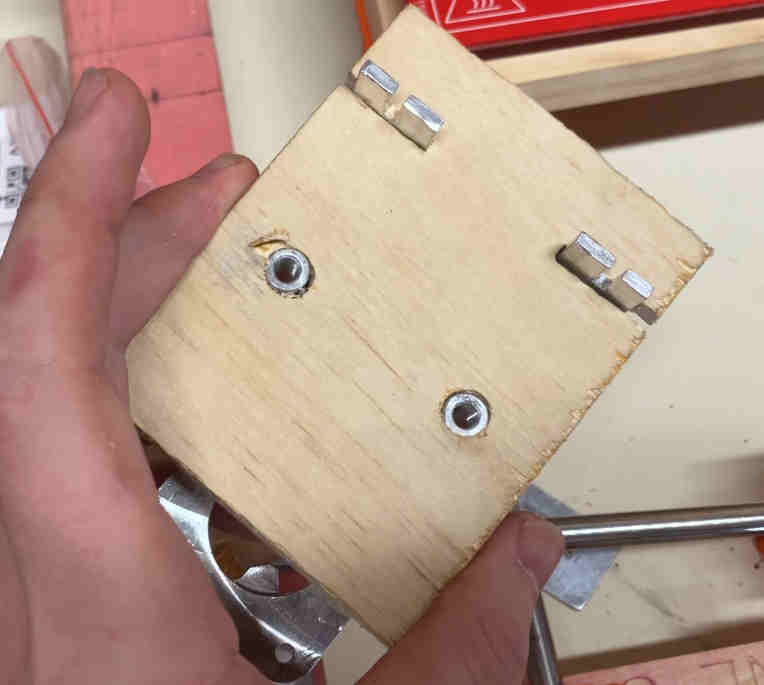
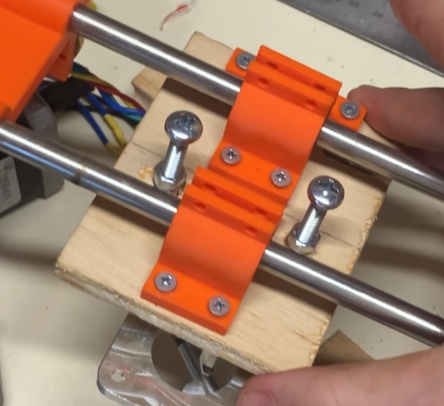
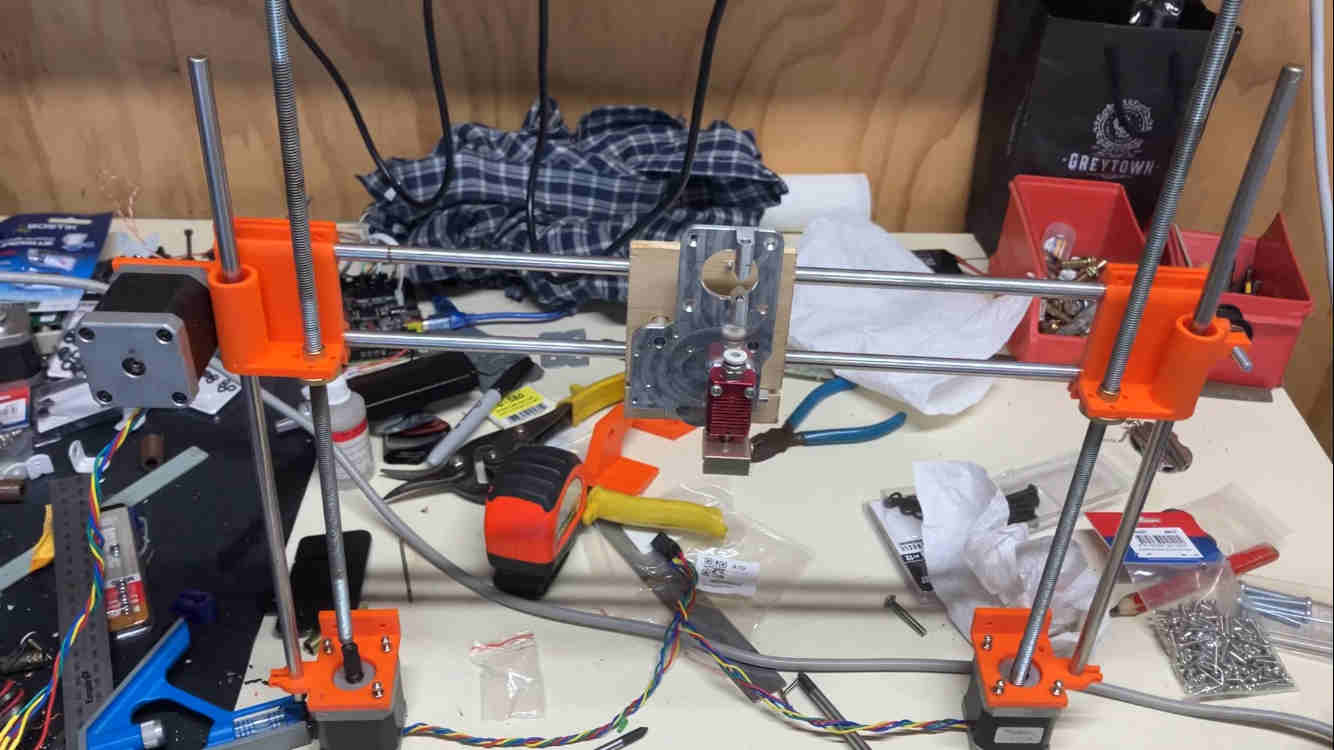
After finishing the X chassis, I could keep the X and Z axes connected together, which you can see below.
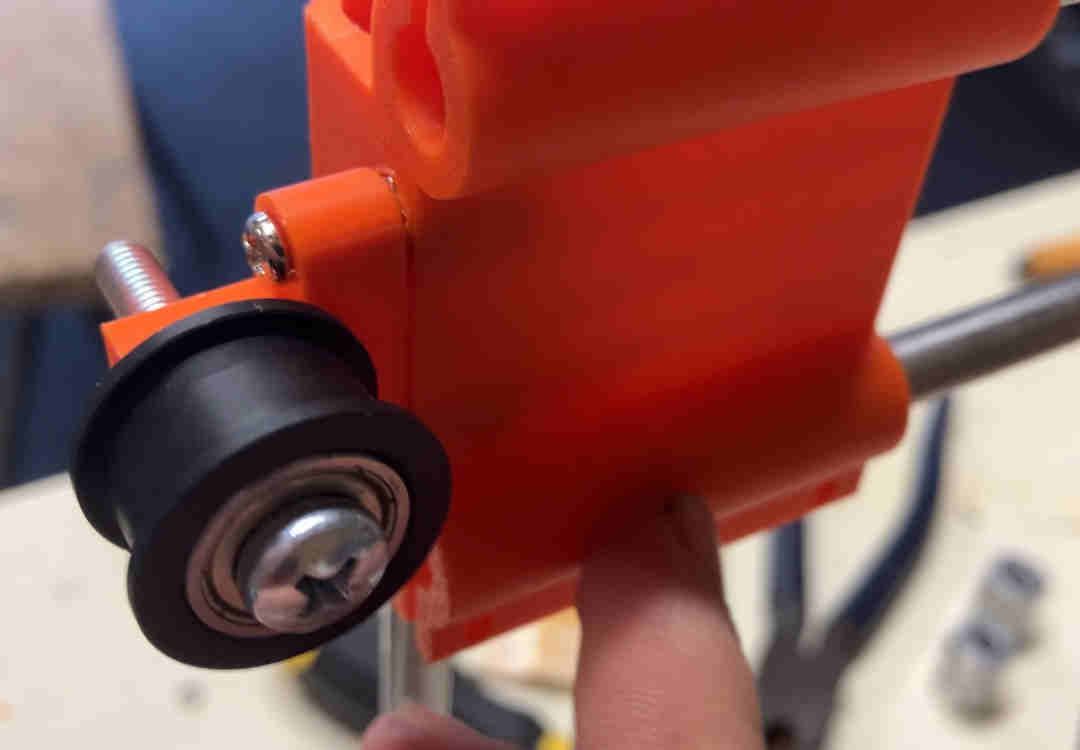
While I was at it I also screwed on the X axis idler.
After coupling the Z steppers with their respective lead screws, this rig was at the state where I could actually attach it to the frame.
I ran into a minor design issue however...
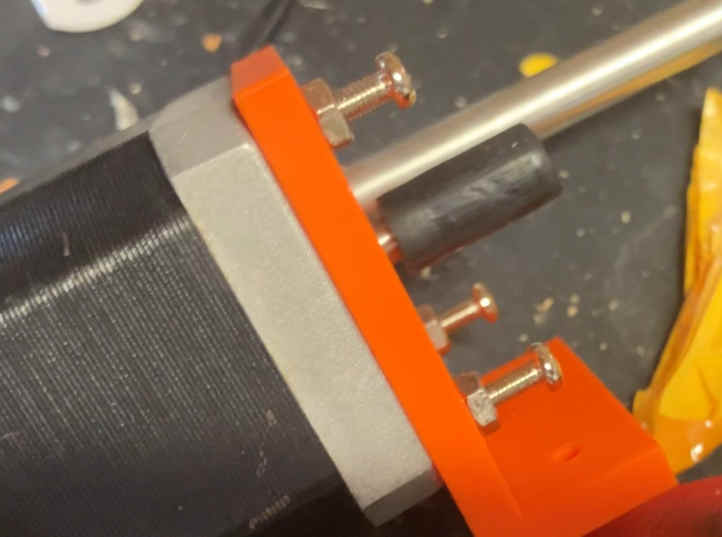
Because the screws that bought for attaching the z-axis steppers to their moutns were too short, I went to the next length up I had on hand (which was too long, but that wasn't an issue until now). These longer screws are now blocking me from screwing the mounts to the frame.
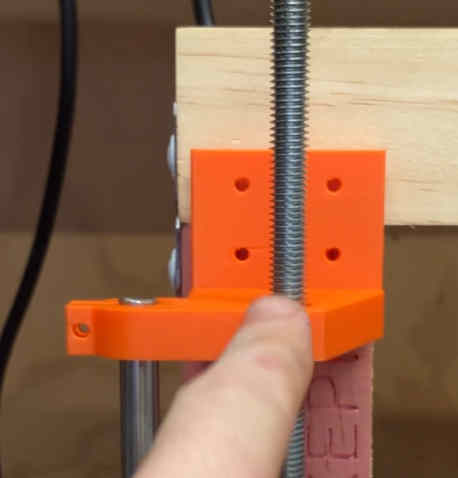
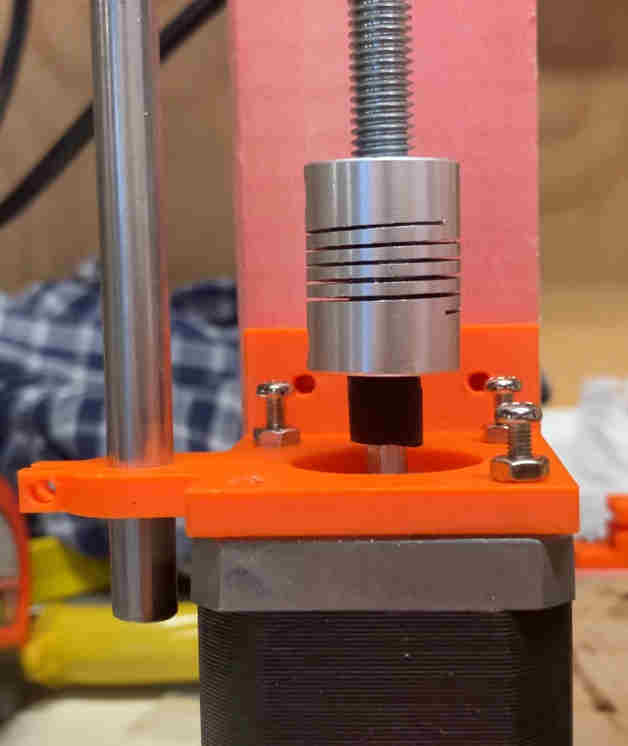
It was just a minor (if annoying) set back though, I just unscrewed the steppers, attached the mount to the frame, then screwed the steppers back on.
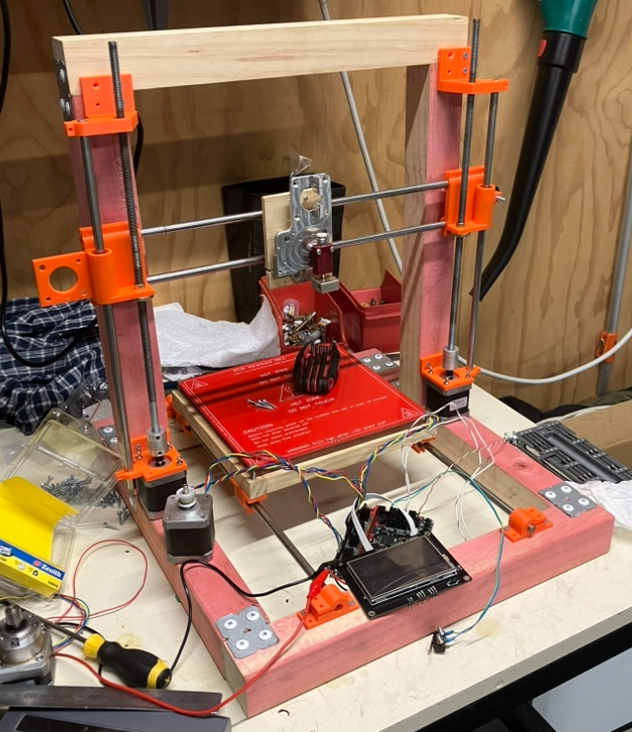
That's all I got done for today! Next steps while I'm waiting on a new PSU are to test the Z axis and attach the X axis stepper + drive belt.